Main page: Modding
Modding: Mod Support
This page contains technical information on support for other mods.
Brief list of supported mods: Supported Addons
Generating support files/data for all these mods is done through running the following file: /.meta/scripts/deploy.py
Navigation (Expand)
- [Modding: Mod Support](#modding-mod-support) - [Tabula Rasa](#tabula-rasa) - [Spawnable Item Pack](#spawnable-item-pack) - [Equivalent Exchange](#equivalent-exchange) - [Improved Food Descriptions](#improved-food-descriptions) - [More Planet Info](#more-planet-info) - [True Space](#true-space) - [Race Traits](#race-traits) - [Frackin' Races](#frackin-races) - [Quickbar Mini](#quickbar-mini) - [Customizable AI](#customizable-ai) - [Monsters Unique Sounds (SFX from Beta)](#monsters-unique-sounds-sfx-from-beta) - [Wardrobe Interface](#wardrobe-interface) - [Craftable Seeds](#craftable-seeds) - [Recipe Browser](#recipe-browser) - [Starburst Rework](#starburst-rework) - [Enhanced Storage](#enhanced-storage) - [Many Tabs](#many-tabs) - [Augment Crafting Table \& Craftable Augments](#augment-crafting-table--craftable-augments) - [Liquid Extractor Reborn](#liquid-extractor-reborn) - [Spooky Synergy](#spooky-synergy)Tabula Rasa
Support for this mod consists of 2 parts:
- Most recipes have
modlisted in them as a recipe group, as well as relevant categories to put the recipes in proper tabs:materials,armors,weapons,consumables,tools,objectsandother. - There are 2 custom category buttons - My Enternia and Alta Species:
- My Enternia button filters by all recipes from this mod;
- Alta Species button filters by all recipes from this mod that belong to altas or are considered alta technology.
- The patch is located here:
/objects/wired/tabularasa/tabularasa.object.patch
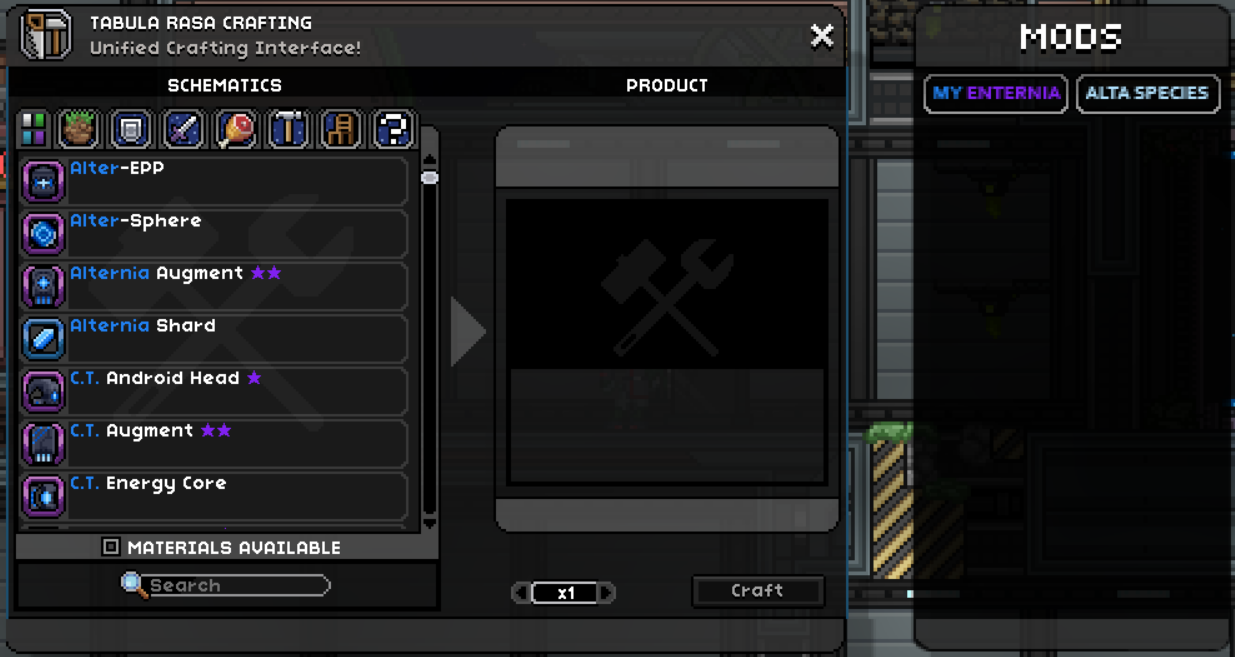
Previously to 2.2.1, this only included species clothing and certain cosmetics added by the mod, and no custom category buttons or correct category groups were present. More details about these changes: 2.2.1
Spawnable Item Pack
I decided to write my own script in python similar to what I did with Wardrobe Interface.
The script is located here: /.meta/scripts/mods/SIP.py
Currently, the way SIP compiles the list of its “recipes” doesn’t allow passing parameters, which are used by a lot of items in this mod, so a lot of items are not available through SIP.
Output files:
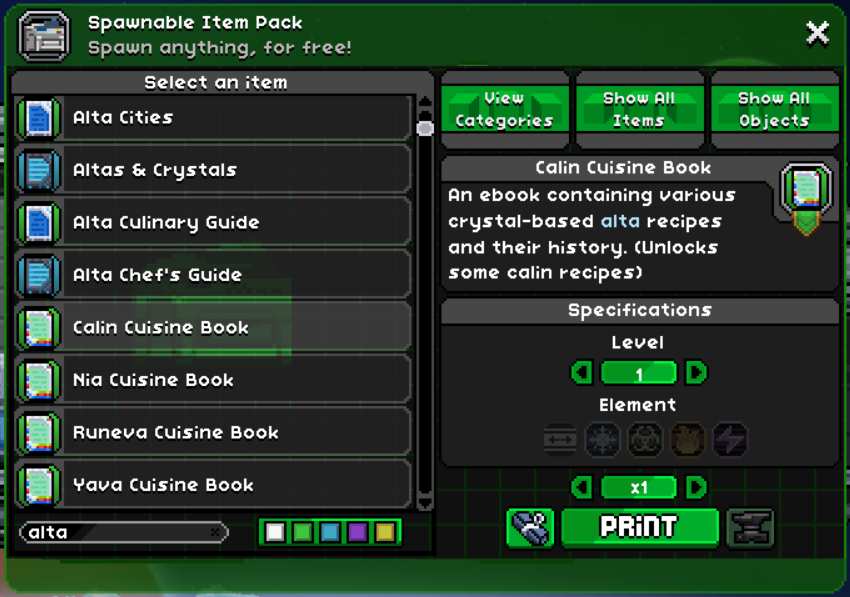
Previously to 2.3.3d, support for this mod was made following this guide: Spawnable Item Pack: Adding Items More details about these changes: 2.3.3d
Equivalent Exchange
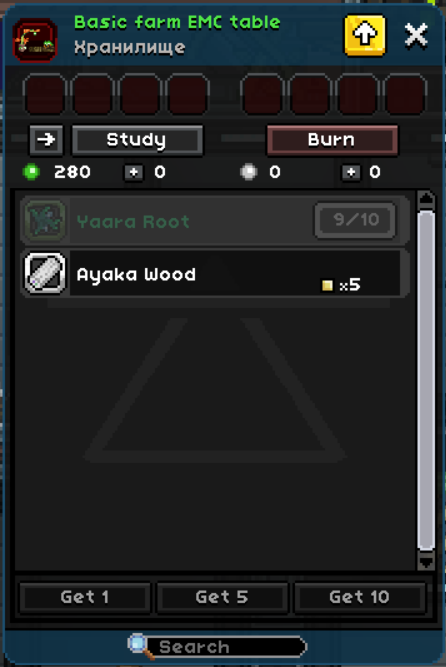
Added in 2.2.1
Made in accordance to the general guide made by the author of the mod: Tutorial: How to add support between your mod and EE for Starbound.
The script can be found here: /.meta/scripts/mods/EES.py
The resulting file is /EES_transmutationstudylist.config.patch.
Improved Food Descriptions
Added in 2.0.0
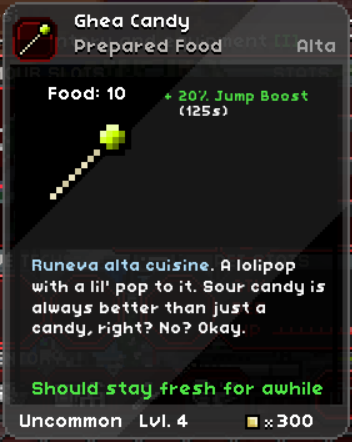
The config for IFD is located in a file called /IFD_statuseffects.config. In order to provide support for that mod, we need to patch this file with our data.
To do that, I’ve made a python script that goes accross the mod directories, finds all status effects, and creates a ready-to-use patch file called /IFD_statuseffects.config.patch.
That’s it!
The script can be found here: /.meta/scripts/mods/IFD.py
More Planet Info
Added in 2.0.0
Similarly to IFD, MPI gets most of it’s parameters form a config file. Except this time it’s a standard Starbound file called /interface/cockpit/cockpit.config. In MPI, there’s already a patch file present, that adds new keys that have the need data in them.
Additionally, this mod (My Enternia) already has it’s own patch data for that file.
Thus, we need to create a patch file, that conditionally either applies all MPI-related data + regular planet/weather data if MPI is installed, or only applies reqular planet/weather data if MPI isn’t installed.
Sounds complicated, but I was able to get this done with a python script similar to the one used for IFD.
It creates a batch patch file (a patch file consisting of separate lists of batches), where first patch is unconditional (applies always) and has regular pre-made data copied from a file called /.meta/cockpit.config.patch, and second patch is conditional, only applies if a specific key is present in cockpit.config that was added there by MPI, and this second patch contains MPI data generated by going around mod directories similar to IFD.
The resulting file is /interface/cockpit/cockpit.config.patch.
The script can be found here: /.meta/scripts/mods/MPI.py
True Space
Added in 2.0.0
To make it so the planets appear near TS stars, we need to create a conditional patch for the /celestial.config file.
This is because TS, just like MPI, is working off of patches of standard Starbound files and add custom keys to them that are not normally present.
Thankfully, there’s no script needed for this since it’s easy to do.
The resulting file is /celestial.config.patch.
Race Traits
Added in 2.1.3
There are two parts to making your mod support Race Traits:
- have your traits listed in a
/stats/effects/om_customstats/om_racetraits/om_racetraits.statuseffect.patchfile; - have your species include an extended description listing said traits.
This is done automatically via the following script: /.meta/scripts/mods/RT.py
The script uses initial data (such as original species description and a general list of all possible species-specific traits) from this file: /.meta/alta.config
The resulting file is /stats/effects/om_customstats/om_racetraits/om_racetraits.statuseffect.patch.
Frackin’ Races
Added in 2.1.3
Support for this mod is similar to Race Traits:
- have your traits listed in a
/species/<species>.raceeffectfile; - have your species include an extended description listing said traits;
- have your food have specific effects to make it correspond to diets (WIP).
This is done automatically via the following script: /.meta/scripts/mods/FU.py
The script uses initial data (such as original species description and a general list of all possible species-specific traits) from this file: /.meta/alta.config
The resulting file is /species/alta.raceeffect.
Quickbar Mini
Added in 2.2.1a
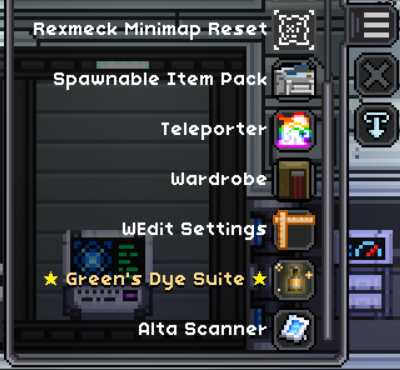
Alta Scanner can be opened through Quickbar Mini. This is done by creating a Quickbar Mini button that calls its interface, as described here: Quickbar Mini Wiki: Patching
The resulting file is /quickbar/icons.json.patch.
Customizable AI
Added in 2.3.3
Support for this mod consists of 2 parts:
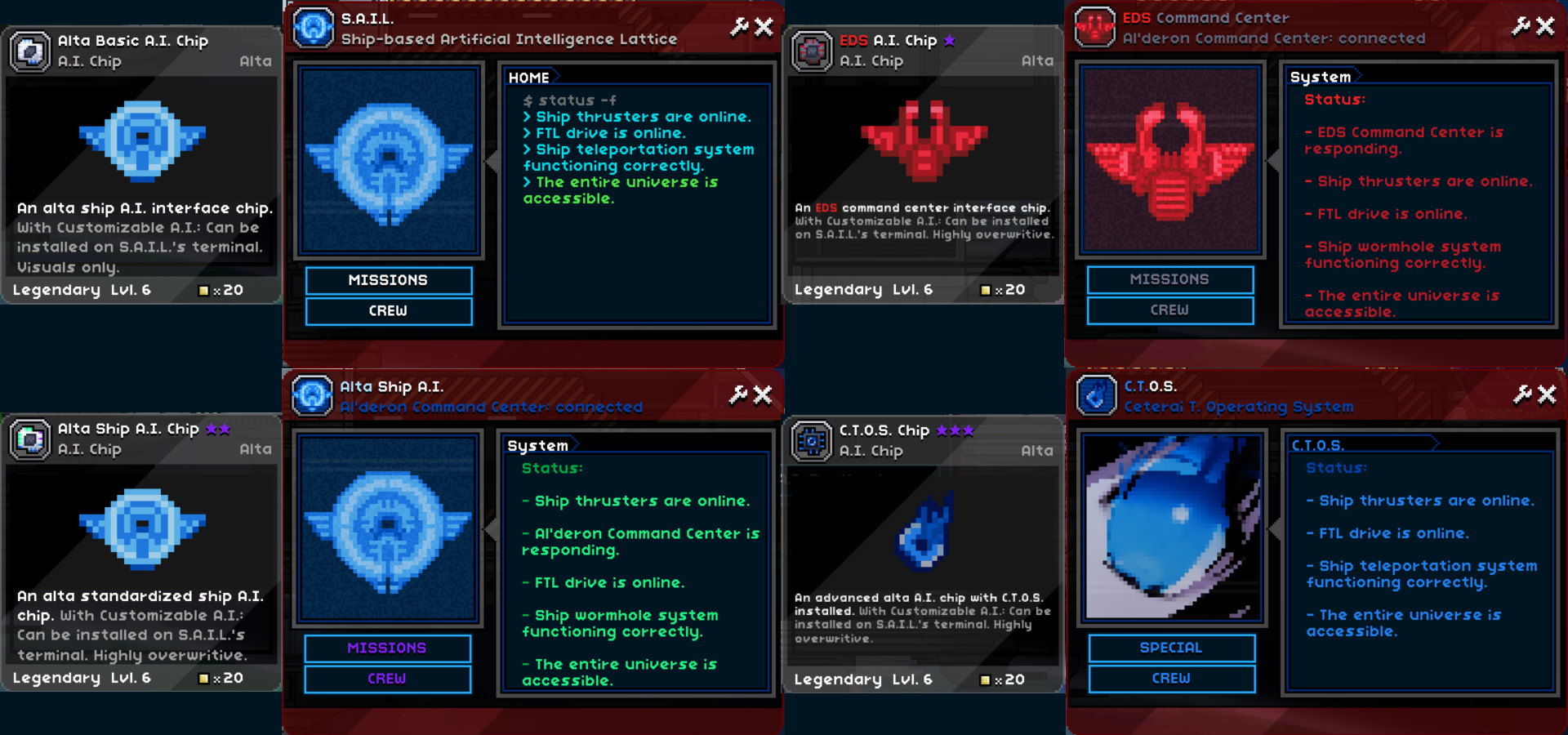
- A.I. chip items with alta A.I. settings for use in S.A.I.L. interface. These items are located in
/items/aichips/. -
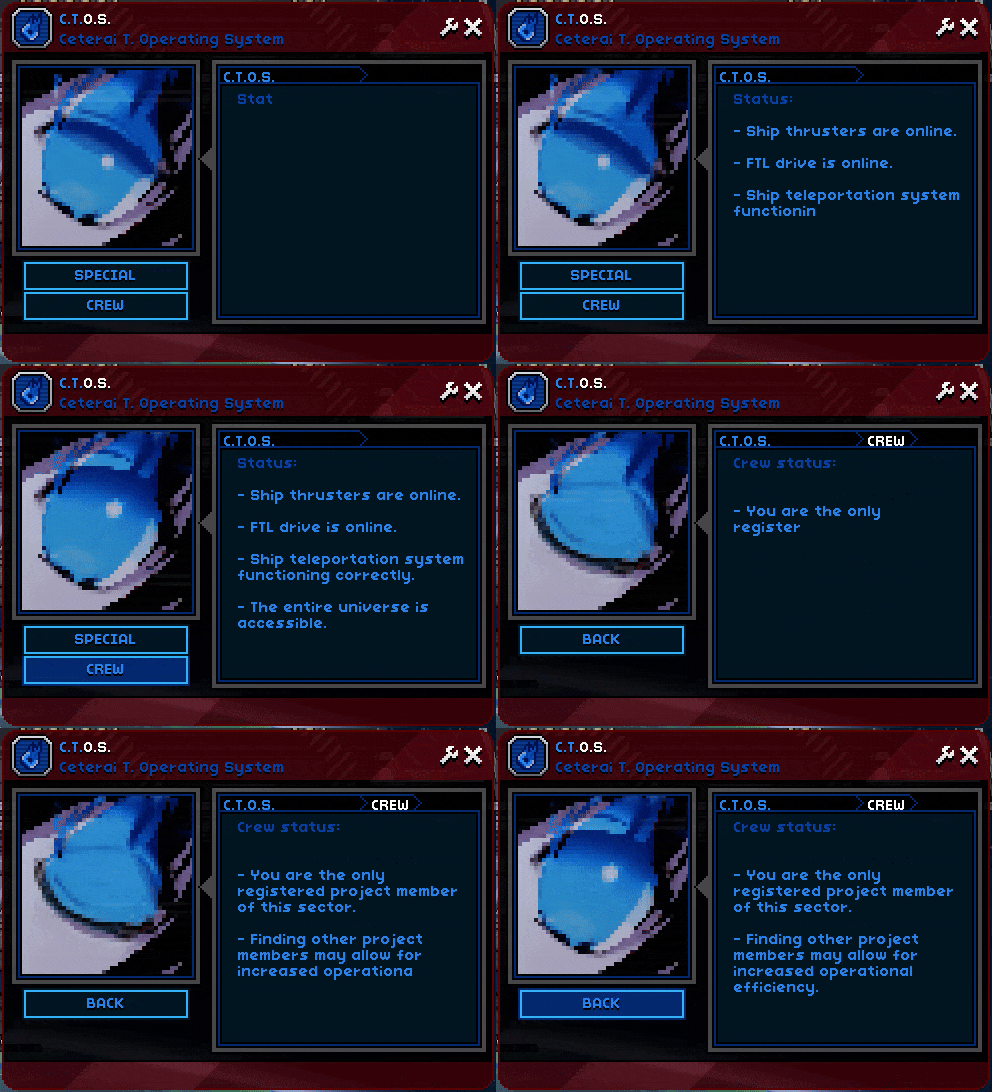
Altered logic for the tech station (or S.A.I.L. station) that account for the customizable A.I. if it is installed.
The logic is located here:
/objects/alta/ship/special/ai/sail.lua
Monsters Unique Sounds (SFX from Beta)
Added in 2.3.3
This mod alters default monster logic to use some additional parameters like ouchTimer. Since these parameters are not present in the custom init used by My ENternia monsters, I needed to add one to eliminate an incompatibility which caused alta drones to explode on spawn.
Resulting logic can be found here: /monsters/ct_ioterash_monster.lua
Wardrobe Interface
Added in 2.3.3a
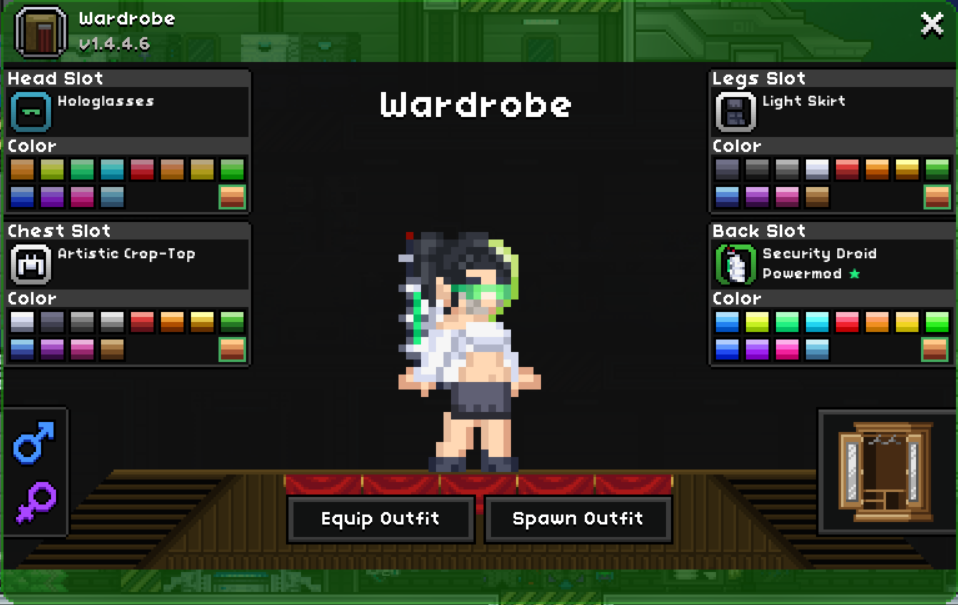
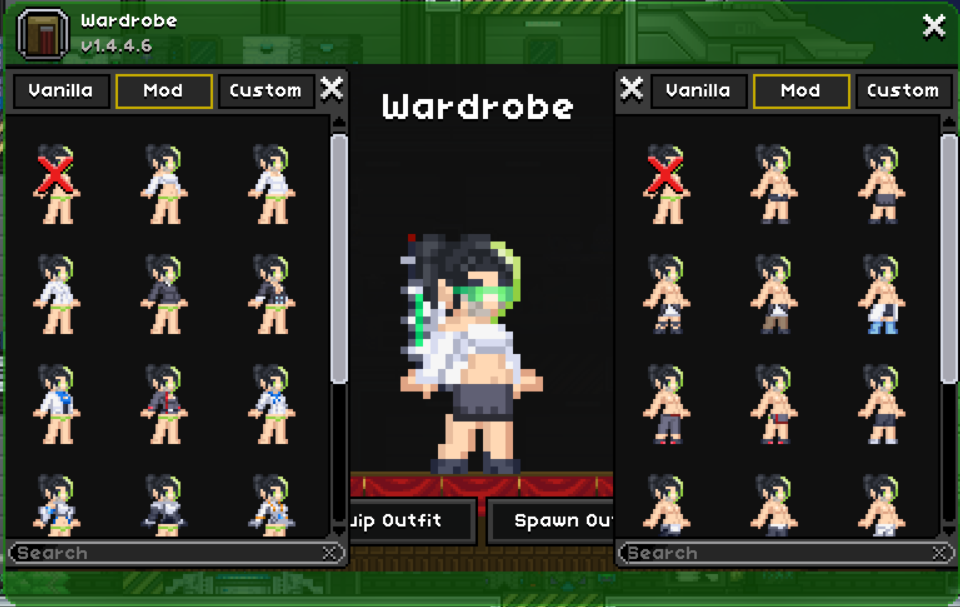
There is a guide for generating support for this mod: Wardrobe Interface Wiki: Add on Maker
Still, I decided to write my own script in python since that’s what I’m more used to and something I can customize and run together with other mod support scripts.
The script is located here: /.meta/scripts/mods/WI.py
Output files:
Craftable Seeds
Added in 2.3.3a
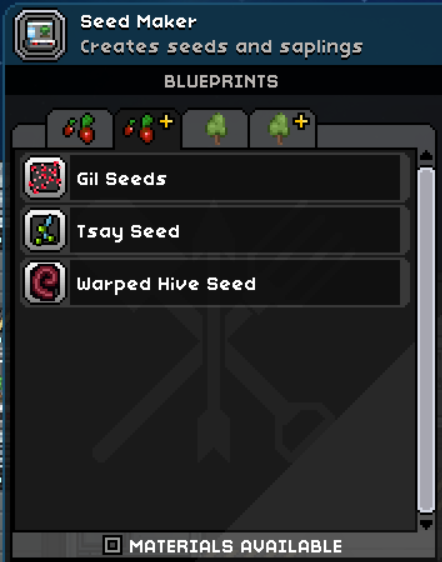
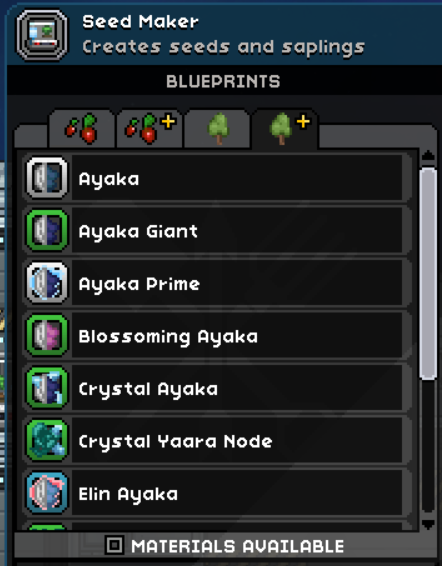
Adding support here mostly includes making sure that seed and sapling recipes are available in the Seed Maker.
This can be done by adding the following recipe gropus to those recipes:
"seedmaker", "seedsMods"to seed/crop recipes;"seedmaker", "saplingsMods"to sapling recipes.
Recipe Browser
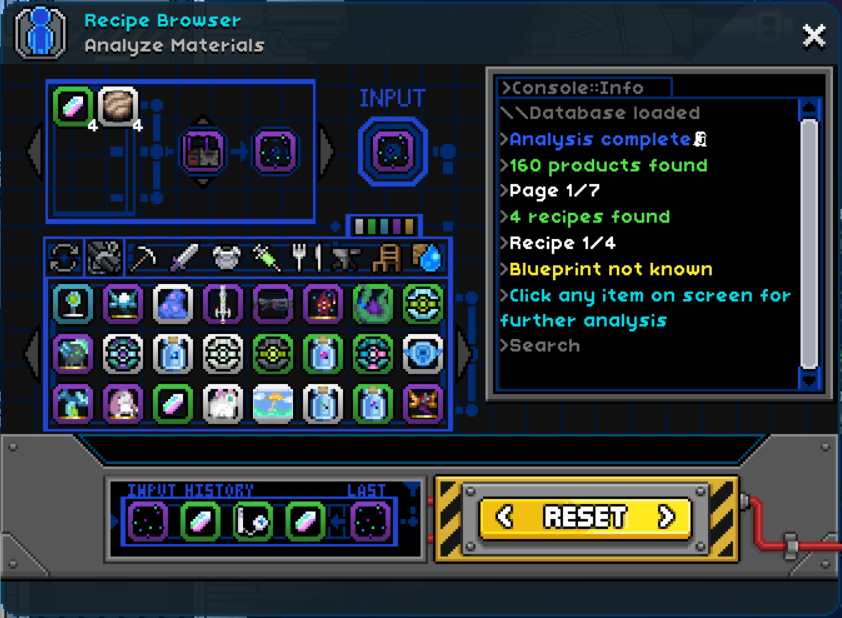
The mod author has provided a lot of ways to generate a patch, one of them being a python script.
For this mod, a modified version of that script was used to make a patch specific to this mod.
The script is located here: /.meta/scripts/mods/RB.py
The resulting file is /data/FullDatabase.database.patch.
Starburst Rework
Added in 2.3.3a
Starburst Rework introduces some electricity-related effects, mainly:
| Status | ID | Path | Description |
|---|---|---|---|
| Deadly Static | pf_biomelightning |
/stats/effects/biomelightning/pf_biomelightning.statuseffect |
A planetary effect, very similar to Ionized air. Is blocked by pf_biomelightningImmunity stat. |
| Mild Static | pf_biomelightningmild |
/stats/effects/biomelightning/pf_biomelightningmild.statuseffect |
Similar logic, is blocked by pf_mildBiomeLightningImmunity stat. |
pf_biomelightningregenblock |
/stats/effects/biomelightning/pf_biomelightningregenblock.statuseffect |
Similar logic, no blocking stat. |
Thus, two blocking stats are added:
pf_biomelightningImmunitypf_mildBiomeLightningImmunity
The following script was updated to accept those stats:
This affects the following status effects:
- Electroblockade, which now provides immunity to the Mild Static SR effect;
- Plasmablockade, which now provides immunity to the Mild Static SR effect;
- Ionoblockade, which now provides immunity to both SR effects.
This also affects the Stim, Augment and EPP series that use these effects.
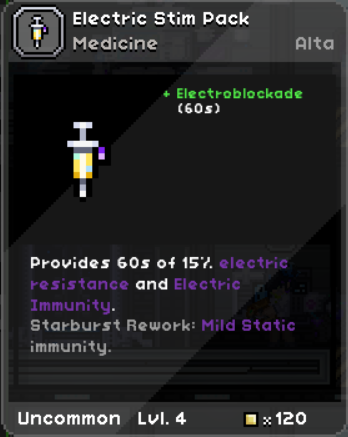
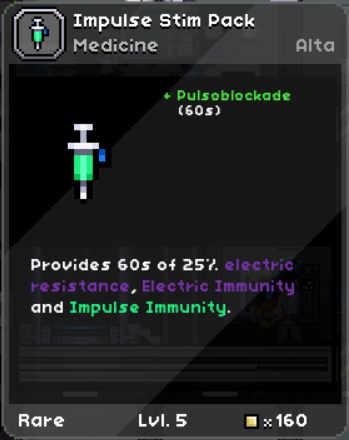
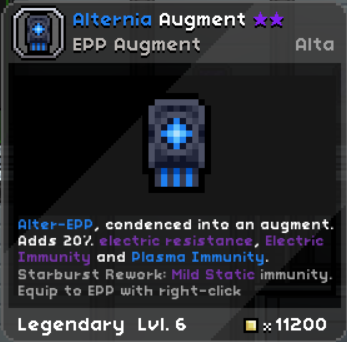
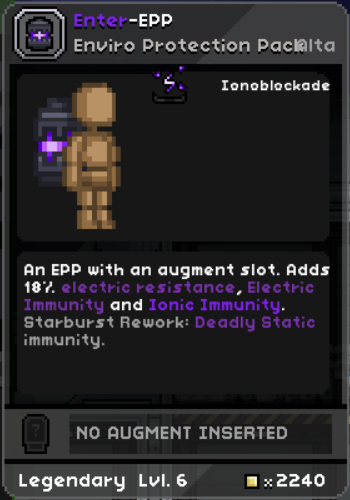
Starburst augments and EPPs now provide protection against some My Enternia effects.
This is done through scripts and patches in /stats/biomeprotection/.
Enhanced Storage
This one requires installing a patch: My Enternia Enhanced Storage Patch
Many Tabs
Added in 2.3.4e
This is just adding an alta tab to the codex library to filter out alta codex entries.
This is done by creating the following patch file: /interface/windowconfig/codex.config.patch
Augment Crafting Table & Craftable Augments
Added in 2.4.0b
Augment Crafting Table and Craftable Augments
This is done by adding recipe groups used by these 2 stations to augment recipes from this mod: augmentcraftingtable and augmentstation respectively.
Liquid Extractor Reborn
Added in 2.4.0b
Some resources from this mod can be used for liquid extraction. This is done by creating recipes for the liquid extractor.
This is done by adding a liquidExtractor group to the recipe’s groups.
Examples can be found here: /recipes/liquidExtractor/
Spooky Synergy
Added in 2.4.0b
Ceternity items have a spookysynergy group in their recipes, which makes them available in the Spooky Synergy filter button in Tabula Rasa.
Some of them also have a spookycrafter group, which makes them available in the Haunted Crafting Table from the The Spooky Scary Halloween Special mod.